Use a Shopify theme when the theme editor’s settings and sections can carry your brand and your range; choose a custom store design when they cannot. Shopify warns that theme code changes incompatible with an update “are removed in the updated copy”, so 1 bought theme rebuilt through heavy code edits becomes a custom store without the update path.
Start from what the theme editor can change
The question is narrower than it sounds. A theme is not a fixed look; it is a structure with settings, and the first test is whether those settings can carry the brand. Shopify’s guide to customizing themes describes the starting point: after choosing a theme, “you can use the theme editor in your Shopify admin to customize the theme to suit your unique brand.” The same page lists what the editor does: “you can preview your theme, make changes to your theme settings, and add, remove, edit, and rearrange content.”
For a product brand, 4 values decide most of the visual match: the colour build, the type system, the logo set and the photography style. Our article on carrying packaging design into a Shopify store shows where each of those goes in the theme settings. If all 4 fit, and the theme’s sections can show the product information in the order the pack uses, the theme has passed the first test.
If they do not fit, name the gap specifically: a product page that cannot hold a claims block where the label puts it, a collection page that cannot group a range the way a buyer shops it, or a typeface the theme cannot load. Each of those is a design question before it is a code question, and naming it is the start of the decision.
What a Shopify Theme Store theme gives a brand
A theme from the Shopify Theme Store comes with a maintained structure. Shopify’s page on updating themes says that Shopify and other theme designers “periodically release updated versions of the themes that they’ve published on the Shopify Theme Store”, and that “These updated versions usually include new features, design enhancements, and bug fixes.”
That update path has limits that matter at the buying stage. The same page states: “Updates aren’t supported for third-party themes purchased from outside of the Shopify Theme Store.” It also says that a feature requiring an updated theme architecture “won’t be applied to your existing theme”. A theme bought outside the store, or an older theme, does not bring the same maintenance with it.
For a new product brand with 1 hero product and a short range, a well chosen theme can cover the store for the first launch: product pages, collections, cart and the checkout that Shopify runs. The design work then sits in the settings, the photography and the product content, which are the parts a buyer reads.
Where theme code edits become a maintenance job
Between a theme as it ships and a custom store there is a middle ground: a bought theme with edited code. Shopify’s page on editing theme code opens with a caution: “If changes that you’ve made to a theme’s code are incompatible with a theme update, then all your code changes are removed in the updated copy.”
The same page sets the order in which to try things: “You should only edit your theme’s code if you can’t make the changes that you need by using a Shopify app or by using the theme editor.” It also names the skills involved: “Edit the code for a theme only if you know HTML and CSS, and have a basic understanding of Liquid.”
A few targeted edits can be checked at each update. The risk grows with the number of edits: each one has to be checked again when the theme updates, and the person who made it has to be available to do that. When a store needs edits across most templates to carry the brand, the brand is maintaining a custom store built on a theme it no longer follows. At that point it is worth comparing the edited theme with a store designed for the range from the start.
Who supports a theme, and who supports custom work
Support follows who made the theme. Shopify’s theme support page puts it in 1 sentence: “The support that you can receive depends on who made your theme.” For free themes from Shopify, Shopify Support “might be able to help you with certain predefined customizations”. The same page sets the boundary: “Shopify Support doesn’t write custom code or make arbitrary code changes.”
For paid themes, the developer of the theme is the support contact, with a limit the page states directly: “Third-party theme developers don’t provide customizations.” Shopify’s answer for work beyond that, on the same page, is to hire a Shopify Partner.
This gives 3 practical questions before choosing. Who will support the theme as it ships? Who will maintain the changes made to it? Who will check those changes when an update arrives? A theme with few changes has clear answers to all 3. A heavily edited theme or a custom store needs a named person or team for the second and third questions, written into the agreement.
When a custom store design is worth it
A custom store design earns its place when the brand needs something the theme structure does not provide, and when that need is part of how the product is sold rather than a preference.

In product brands, 3 needs of this kind are concrete. A range with many variants, sizes and formats needs product and collection pages that show how the range is organised, and our article on packaging a range across many variants, sizes and formats explains why that structure starts on the pack. A product with regulated claims needs a product page that places those claims exactly as the approved label does. A brand built on product visuals, such as 3D models or interactive elements, needs templates that were designed for them.
Our website and digital design page describes the link between pack and page: “When a brand also has packs, the site takes its typography and color values from the same identity system as the packaging design”. The same page states the delivery options: “We design and build sites, Shopify stores included, and clients with their own developer receive the design system and the components instead.”
A custom design does not have to mean every page is new. The templates that carry the product, the collection and the range can be designed, while standard pages follow a consistent system.
Test the choice on draft themes before you publish
Shopify lets a brand try either route without touching the live store. The updating themes page says: “You can work on your theme in draft themes before you publish it.” It adds that “Adding a new theme to your draft themes doesn’t impact your current theme or any other themes.”
Before any change, Shopify’s customizing page recommends a backup: “Duplicate your theme to create a backup copy. This makes it easy to discard your changes and start again if you need to.”
A useful test takes 3 pages: the product page of the hero product, the collection page of the widest range, and the home page. Set them up in a draft theme with the real colours, fonts, logo and product photography. Compare each page with the packaging and with the brief. Where the draft matches, the theme is carrying the brand; where it fails, write down the gap in 1 sentence. That list is the scope of either the code edits or the custom design.
Questions that settle the choice
The decision is easier when it rests on the range and the launch plan rather than on taste. These questions are the ones to answer in writing before choosing, and the table after this section sets out which way each answer points.
- How many products and variants will the store carry in the first year, and how will buyers shop them?
- Does the product page need to show claims, ingredients or regulated text in a fixed order?
- Which of the 4 pack values (colour build, type, logo set, photography) does the theme fail to carry?
- How many templates would need code edits, and who maintains them after updates?
- Is the theme from the Shopify Theme Store, so that updates are supported?
If most answers point to the theme, start there and put the design effort into settings, photography and product content. If most point to custom design, design the templates that carry the range and keep the rest standard.
| Question | Points to a theme | Points to custom design |
|---|---|---|
| Range in year 1 | Short range, few variants | Many variants, sizes and formats |
| Product page content | Standard description and images | Claims or regulated text in a fixed order |
| Pack values in settings | All 4 fit the theme settings | 1 or more cannot be carried |
| Code edits needed | A few targeted edits | Edits across most templates |
| Update path | Shopify Theme Store theme | Theme bought outside the store or heavily edited |
How MarkaWorks approaches Shopify store design
MarkaWorks is a branding agency for product brands, and our store work starts from the identity and the packaging, not from a theme gallery. Our web and digital design case studies show the range of that work.

For Glowie, a skincare brand, the case study states: “The e-commerce build runs on Shopify.” The same page describes how 3D models of the products were used “as interactive elements on the site, and as source material for visual content across digital platforms”, so the product looks the same on the pack, the site and the content.
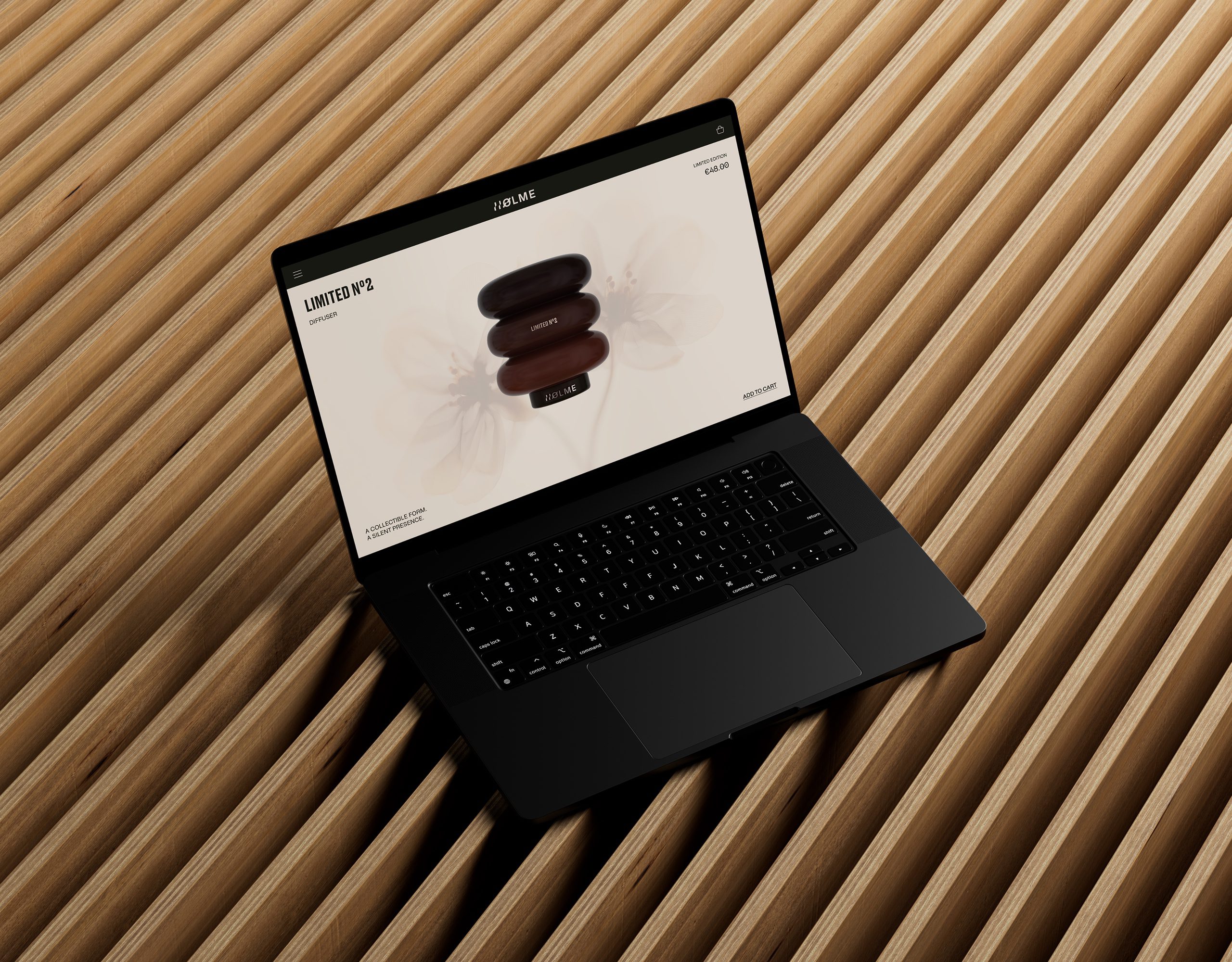
For BARS UI, the site had to follow an identity built on precision and restraint; the case study says “The brand identity had already been built on those terms. The site had to behave the same way”. For Holme UI, each product was given “its own visual space in the layout”, with navigation kept deliberately slow to match the brand.
Our website page also states how we start on an existing store: “We audit the current site against the brand system first, then improve the pages that carry the most traffic before touching anything structural.” To look at your store and range against both routes, start from our contact page.
Questions brand owners ask about Shopify themes and custom design
Can a Shopify theme look like our brand?
Yes, when its settings can carry the 4 pack values. Shopify’s theme editor lets you change theme settings and add, remove, edit and rearrange content. Test it on a draft theme with your real colours, fonts, logo and photography before deciding.
What happens to code edits when a Shopify theme updates?
Shopify states that if code changes are incompatible with a theme update, all of them are removed in the updated copy. Each edit has to be checked when an update arrives.
Do paid theme developers make design changes for us?
No. Shopify’s theme support page says third-party theme developers don’t provide customizations. For work beyond the theme as it ships, Shopify points to hiring a Shopify Partner.
Can we test a new theme without changing the live store?
Yes. Shopify lets you work on a theme in draft themes before publishing, and adding a theme to draft themes does not affect your current theme.
Does a custom store design mean every page is new?
Not necessarily. The templates that carry the product, the collection and the range can be designed, while standard pages follow one consistent system.
What the theme editor can carry, what happens to code edits when a theme updates, who supports what, and the questions that settle the choice for a product range.
More brands we brought to life: