A product brand’s Shopify website needs 4 things finished before launch: the brand system applied to the theme, product pages that answer a buyer’s questions in order, the 3 steps Shopify requires (a plan, a store address and a payment method with test mode off), and checks on test orders, speed and accessibility. Shopify asks for at least one test order during setup.
The brand system the store is built from
A store that launches without a written brand system gets one by accident, page by page, as each section of the theme is filled in. Before the theme is configured, the values it will carry are fixed in one place: the colours with their screen values, the type system, the logo set with its smallest sizes, and the image style.
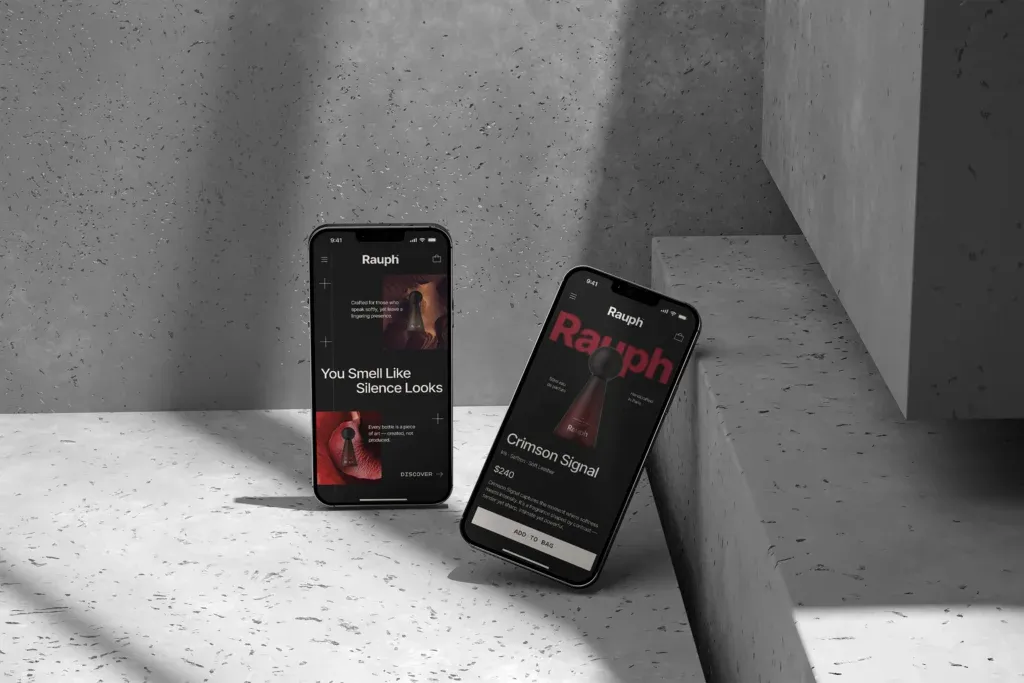
Our website and digital design page gives the reason in 2 sentences: “A site built as a set of screens breaks at the first product launch. A site built as a system absorbs it.” The same page defines the deliverable as “the set of type, color, component and layout rules a site is built from”.
For a brand that already has packaging, most of these values sit in the pack files, and moving them into Shopify is covered step by step in our article on carrying packaging design into a Shopify store. For a brand launching the store and the pack together, both are set from one identity, so neither has to be adjusted to match the other a month later.
Whether a theme can hold the system at all is a separate decision. Our comparison of a Shopify theme or a custom store design sets out where theme settings stop and custom work starts.
Product pages that answer the buyer in order
The product page is where a launch is judged, because it is the page that paid and search traffic lands on. Our website page states its job directly: “answer the questions a buyer asks before paying, in the order they ask them, without making them scroll for the information that decides the purchase.”

That order is fixed before the copy is written. The pages we design put 4 answers first: what the product is, what it is for, what is in the box and how it ships. Ingredients, full specifications and care notes follow, still on the page and still easy to reach.
For BARS UI, the case study describes the same idea as a sequence, in which “each screen answers one question before raising the next.” The flow from home page to product page was designed to be uninterrupted on desktop and mobile, because “a purchase path that changes character between devices makes a brand feel less reliable than it is.”
One rule is added for supplement and nutraceutical brands: the claims on the product page are the claims allowed on the label, and the 2 are written together rather than drafted by different people at different times.
Product images, video and 3D media
Shopify sets the limits for product images in its product media guide: images “can be any size up to 5000 x 5000 px, or 25 megapixels” and must be smaller than 20 MB. For square images, Shopify says “a size of 2048 x 2048 px usually displays best.” Settling one ratio and one size for the whole range before launch keeps collection grids aligned when the 5th or the 15th product is added.
Video and 3D models need an earlier decision than images. The same guide notes that “your online store needs to use a theme that supports the media that you want to add”, while every theme supports images. A brand that plans to show 3D models later checks theme support before the theme is customised.
Whether the images come from a photo shoot or from 3D renders is a question of its own, covered in our comparison of product photography and 3D rendering. Either way, each image needs written alt text. Google’s image SEO guidance asks sites to “use descriptive filenames, titles, and alt text”, and writing it at launch is quicker than going back through every product page later.
Navigation for a range
A single-product store can launch with a home page and a product page. A range needs navigation that lets a buyer tell the variants apart, and our website page names what happens without it: “a brand with several variants loses sales when a buyer cannot tell them apart on screen.”
Before launch, 3 things are set for the range:
- The collection structure, built on the attribute buyers sort by first: flavour, scent, size or use.
- A naming pattern that reads the same way on the pack, in the product title and on the collection card.
- A colour or label code that still works when the product is shown as a small card in a grid.
For MUUM, our service page records the result in one line: “For MUUM we shortened the steps between finding a product and buying it, and arranged the mobile layout for one-handed use.” The range logic usually starts on the pack, which is why our article on packaging for many flavours, sizes and formats and this checklist share their first step.
Store policies and contact details
Shopify can write policy pages automatically, and its store policies page is clear about what that covers. The automated policies “aren’t legal advice”, and Shopify adds: “You’re responsible for the accuracy of your published policies and for following them.” Before launch, each policy is read against how the business ships, returns and refunds.
The contact details need the same attention. Shopify notes that “your policies are publicly visible to customers and often include your address, phone number, and email address”, and recommends business contact details for anyone who runs the business from home.
The design part is small but visible. The policy pages, the shipping note on the product page and the footer links use the same type and layout as the rest of the store, so a buyer checking returns before paying does not feel they have left the brand. Shopify also saves past versions of the main policies for 2 years, which helps when a policy changes after launch.
The required launch steps and test orders
Every new Shopify store starts closed. Shopify’s private mode page says that “your store access is restricted to private mode by default” when a plan is first registered, and a password page is shown instead of the store. The store also starts on a myshopify.com address, as Shopify’s domains guide explains; connecting a custom domain before launch keeps the address on the pack, the social profiles and the store the same.
Shopify’s launch preparation page lists 3 required steps before a store can go public:
- Select a subscription plan.
- Add a store address to the Business details section of Settings > General.
- Set up a payment method, and make sure test mode is deactivated.
Test orders come before that last step. Shopify’s test order guide says a test order checks the “checkout process and settings for order processing, inventory, shipping, email notifications, and taxes”, and that “you should place at least one test order during your store setup”. While test mode is on, “customers can’t place live orders”, so switching it off is part of the launch itself. For brands that want to appear in the Shop app, Shopify notes that eligibility can take up to 48 hours to update after launch.
| Area | What to check | Where it is set |
|---|---|---|
| Brand system | Colours, type, logo set and image style in one file | Theme settings and brand assets |
| Product pages | What it is, what it is for, what is in the box, how it ships | Product page layout |
| Product images | One ratio and size for the range; square 2048 x 2048 px; under 20 MB | Product media |
| Range navigation | Collections by the attribute buyers sort by first | Collections and menus |
| Policies and contact | Read against real shipping, returns and refunds | Store policies |
| Launch steps | Plan, store address, payment method with test mode off | Settings |
| Test orders | At least 1 order through checkout, shipping, email and tax | Settings > Payments, test mode |
| Speed | LCP within 2.5 s, INP 200 ms or less, CLS 0.1 or less at the 75th percentile | Lab before launch, field data after |
Speed and accessibility checks
A store can pass every settings check and still feel slow on a phone. Google’s Web Vitals guidance sets 3 targets: Largest Contentful Paint “within 2.5 seconds”, Interaction to Next Paint of “200 milliseconds or less”, and Cumulative Layout Shift of 0.1 or less. They are read at “the 75th percentile of page loads, segmented across mobile and desktop devices”.
Before launch there is no field data, so the checks run in the lab on the heaviest pages: the home page, one collection and one product page with its full image set. web.dev notes that lab tools such as Lighthouse cannot measure INP because there is no user input, and names Total Blocking Time as the lab proxy. The decisions that move these numbers are mostly design decisions: how large the first image is, how many fonts load, and how much on the page moves after it appears.
Accessibility is settled in the same pass. The BARS case study puts it plainly: “Contrast, target size, and reading order were settled at the structural stage rather than corrected afterwards.” Checking contrast on buttons, on text over images and on small labels before launch is simpler than repairing it across a live range.
How MarkaWorks prepares a Shopify store for launch
MarkaWorks is a branding agency for product brands, and our store work starts from the identity, the packaging and the range. Our website page lists the ecommerce store as one surface: “Storefront, range navigation, product pages; Shopify builds included”. We design and build Shopify stores, and when a client has its own developer, that developer receives the design system and the components instead.
The order of our work follows this checklist. We fix the brand system first, then design the product page and the range navigation, and plan the product images against the pack. The website page puts that last step in one sentence: “Product photography is planned against the pack artwork.”
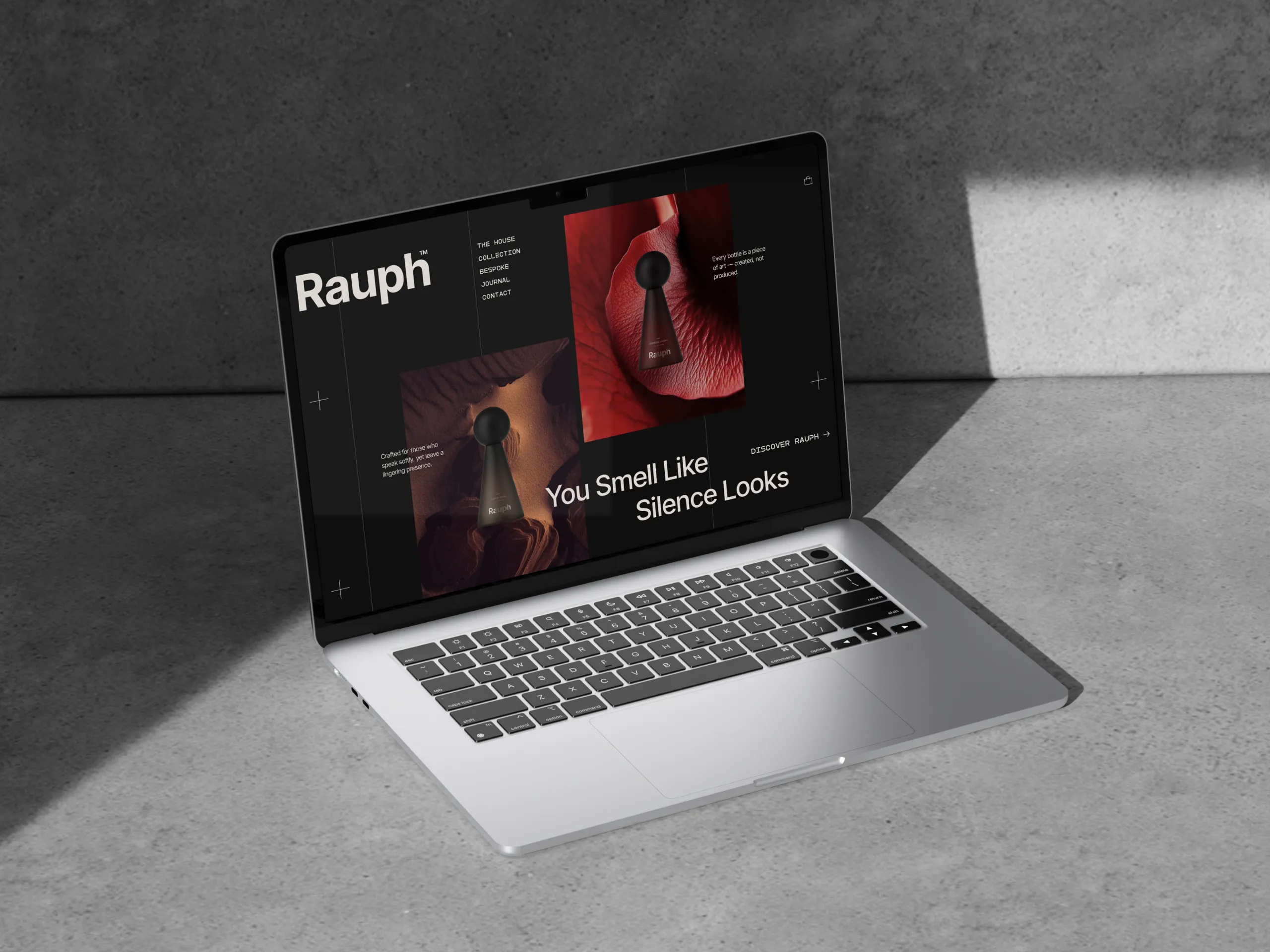
Recent store work is on our web and digital design page, including BARS UI and Rauph UI. If your store has a launch date, send it with a proposal request from our contact page.
Questions brand owners ask before launching a Shopify store
Can a Shopify store be designed before the products are photographed?
Yes. The product page layout, the collections and the navigation can be designed first, as long as the image ratio and size are fixed at the start. The final images then go into a layout that was built for them.
Does a Shopify store need a custom domain before launch?
Shopify gives every store a myshopify.com address by default, and a custom domain is not one of the 3 required launch steps. Connecting one before launch keeps the address on packs, profiles and ads the same from the first day.
How many test orders should we place before launch?
Shopify asks for at least 1 during setup and again whenever payment settings change. A useful set covers each shipping zone and each payment method the store offers, followed by one refund.
Can we launch with a theme and move to a custom design later?
Yes. The brand system and the product content carry over. Our article on a Shopify theme or a custom store design covers what changes when a store moves to custom work.
Who writes the store policies?
The business does. Shopify’s automated policies are a starting point, and Shopify states they aren’t legal advice. The policy pages follow the design of the rest of the store; the wording stays with the brand and its advisers.
The brand system, product pages and images a store is built from, the 3 steps Shopify requires before a store goes public, test orders, and the speed and accessibility checks to run first.
More brands we brought to life: